













HomeDocumentation
Advertising Section
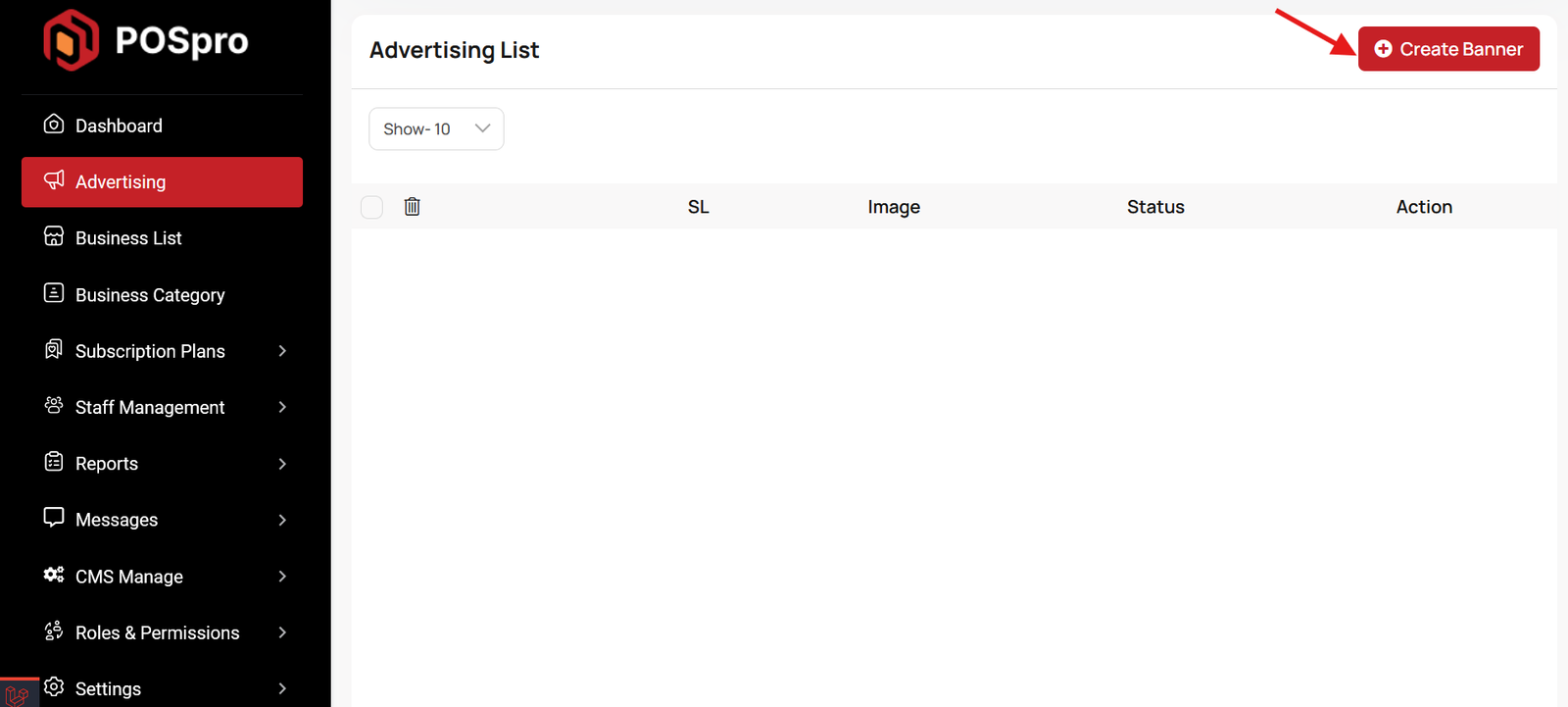
This list allows you to see the current advertising campaigns with status. To create a new advertise, you can click on the "Create Banner" button at the top right of the screenshot. A pop-up window will open, where you can add an image and change the status.
Articles in this section
- Getting Started
- Requirements
- Download Project from Envato
- Creating Database
- Uploading Files
- Installation Wizard
- Default Password
- Dashboard
- Advertising Section
- Business List
- Business Category List
- Subscription Order List
- Custom Domain List
- Plan List
- Staff List
- Subscription Report
- Message List
- CMS Manage
- Roles & Permissions
- Add ons
- Setting
- Mail Configuration / SMTP Setup
- Hostinger Panel
- Gmail
- Admin Change Logs & Update Guide
FAQ (Frequently Asked Questions)
Was this documentation helpful?
0 out of 0 found this helpful