
 Tutorial








POS Pro - Advanced POS & Inventory Management System | POS SaaS Solution
HomeDocumentation
Default Password
You can login using several methods depending on your role.
Super Admin
superadmin@superadmin.com
superadmin
Admin
admin@admin.com
admin
Manager
manager@manager.com
manager
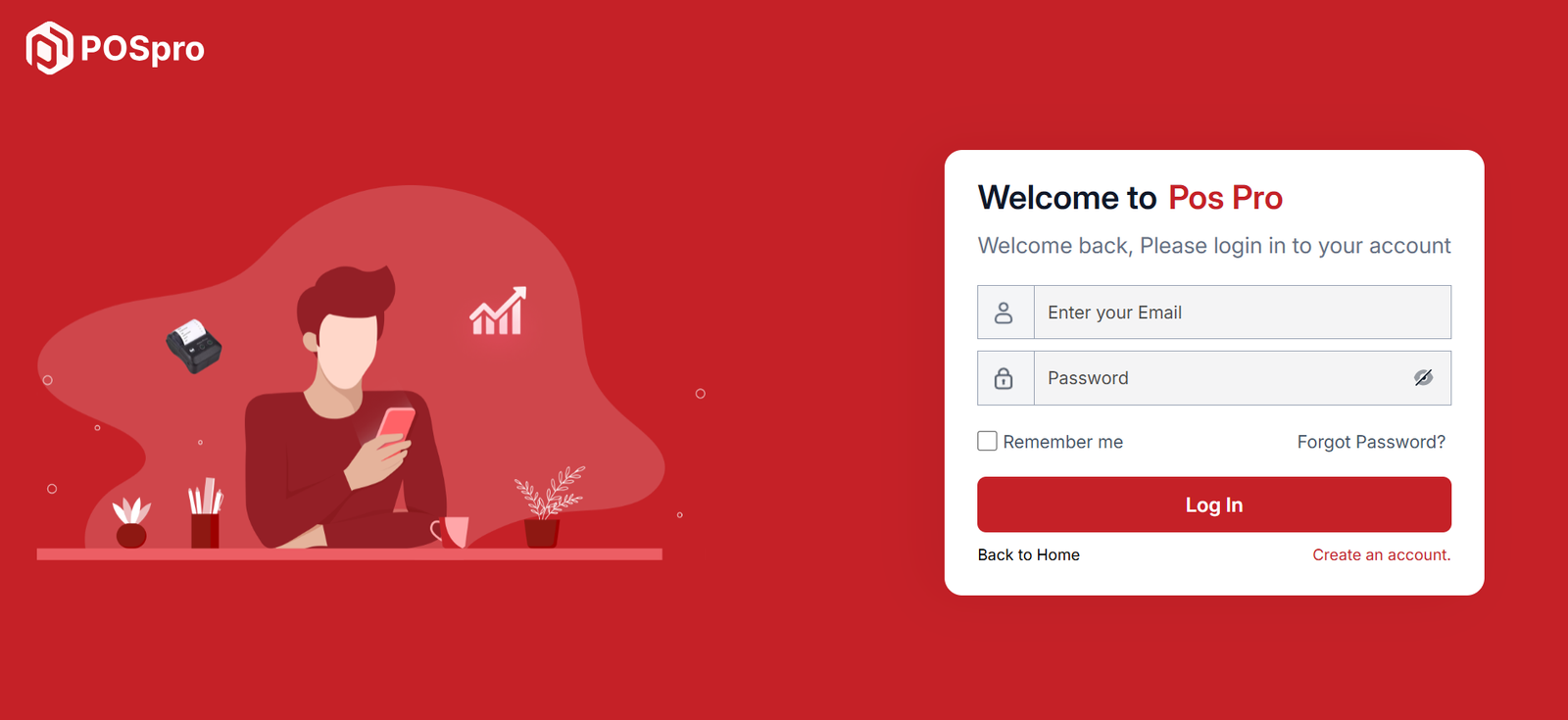
In this project, different modules are assigned based on user roles: Super Admin, Admin, Manager. Each role has distinct responsibilities tailored to their specific tasks and permissions. Below, we will discuss how each user role operates within the system.
Articles in this section
- Getting Started
- Requirements
- Download Project from Envato
- Creating Database
- Uploading Files
- Installation Wizard
- Default Password
- Dashboard
- Advertising
- Business List
- Business Category
- Subscription Order List
- Custom Domain List
- Plan List
- Staff List
- Subscription Report
- Message List
- CMS Manage
- Roles & Permissions
- Setting
- Add ons
- Mail Configuration / SMTP Setup
Was this documentation helpful?
1 out of 1 found this helpful